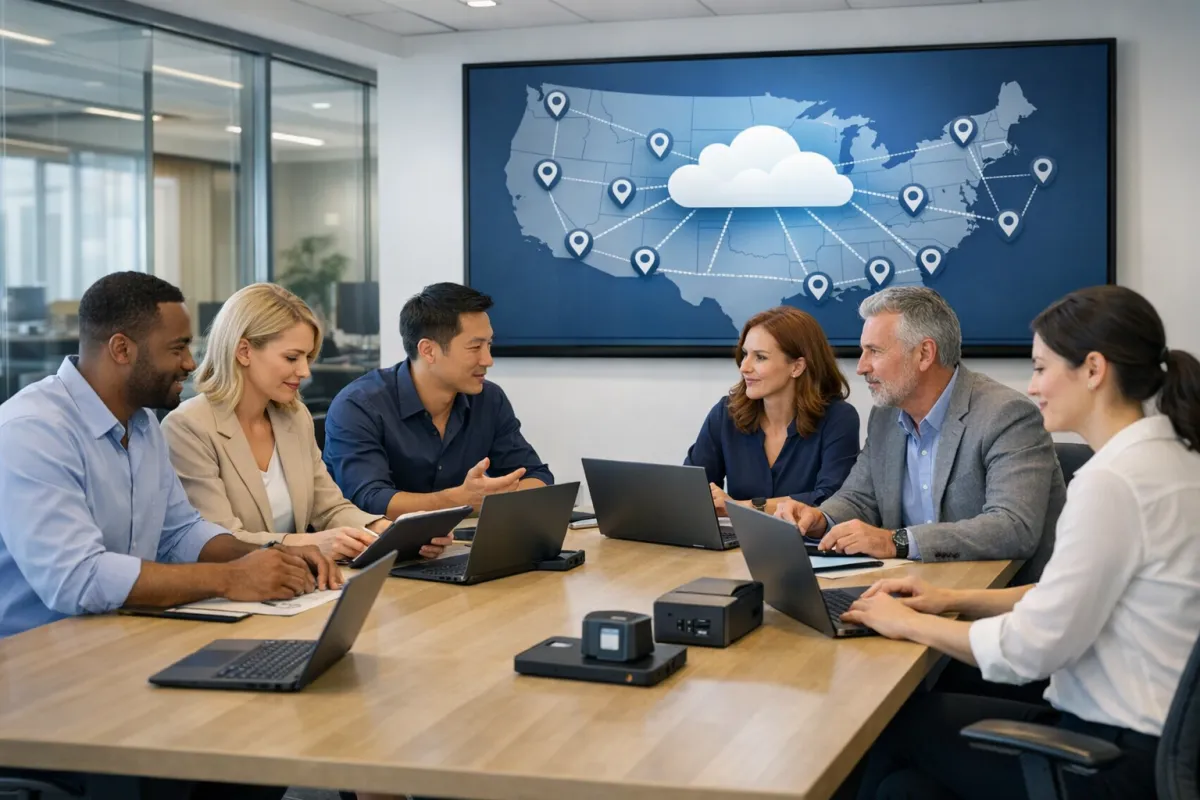
How Cloud Solutions Help Businesses With Multiple Locations
Cloud solutions for multi-location businesses help organizations manage technology across different sites by centralizing data, applications, and security controls. This approach reduces complexity, supports remote access, and makes it easier to maintain consistent operations. Businesses benefit from improved collaboration, simplified IT management, and the ability to scale technology as they grow. Understanding how cloud technology supports multiple locations can help business owners make more informed decisions about their IT strategy.
Imagine running a business with offices or stores spread across several locations. Each site relies on critical systems, shared files, and smooth communication to serve customers and keep employees productive. When technology is scattered, managing updates, security, and support can become a daily challenge. Many NYC businesses are turning to cloud solutions because they make it easier to connect teams, protect sensitive information, and keep operations running smoothly—whether your people work downtown, across the state, or even nationwide.
- Cloud solutions let businesses centralize technology, making it easier to manage systems across multiple locations.
- Teams in different offices can access the same data and applications, improving collaboration and consistency.
- Cloud technology allows businesses to scale up or down quickly as new locations open or needs change.
- Security controls and policies can be enforced company-wide, reducing risk and simplifying compliance.
- Multi-location businesses gain flexibility to support hybrid work, remote employees, and distributed operations.
What Problems Do Multi-Location Businesses Face Without Cloud Solutions?
Businesses with multiple locations often struggle with fragmented technology, inconsistent processes, and data silos when they rely on traditional on-premises systems. Without cloud solutions, each site might have different software versions, outdated files, or separate security protocols, making it hard to maintain company-wide standards and protect sensitive information.
One common issue we see is the challenge of keeping every location updated and secure. Imagine a retail business with several stores: if one store falls behind on software updates, it could become a weak point for cybersecurity threats or operational failures. Coordinating IT support and troubleshooting becomes time-consuming, especially when locations are spread out geographically.
How Do Cloud Solutions Simplify IT Management for Multi-Location Businesses?
Cloud solutions for multi-location businesses centralize applications, data, and management tools so that IT teams can oversee everything from a single dashboard. This means updates, security patches, and new features can be rolled out simultaneously to every location, reducing the risk of missed updates or inconsistent systems.
Centralized management also makes it easier to enforce company policies, monitor user activity, and respond to issues quickly. In our experience, this approach reduces support headaches and gives business leaders more confidence that their technology environment is consistent and secure across all sites.
How Does Cloud Technology Improve Collaboration Between Locations?
Cloud technology allows employees at different locations to work together in real time, access shared files, and use the same applications regardless of where they are. Tools like cloud-based email, document management, and video conferencing make it possible to maintain productivity and communication across distributed teams.
For example, a project manager in New York can instantly share files with a team in another city, schedule meetings, and track progress without waiting for files to be emailed or shipped. This not only saves time but also ensures everyone is working with the most up-to-date information.
How Do Cloud Solutions Support Business Growth and Scalability?
Cloud solutions make it easy for businesses to add or remove locations, users, and services as needs change. There is no need to buy new servers or install complex hardware at every site. Instead, resources can be allocated through a cloud management portal, letting organizations scale up quickly when opening new offices or scale down if operations change.
Many business owners are surprised to learn how flexible cloud services can be. Whether you are expanding into new regions or adjusting to seasonal demand, cloud computing allows you to respond without large upfront investments or long implementation timelines.
| Traditional IT | Cloud Solutions |
|---|---|
| Separate systems at each location | Centralized systems for all locations |
| Manual updates and inconsistent security | Automated updates and unified security policies |
| High hardware and maintenance costs | Predictable, usage-based costs |
| Limited flexibility for growth | Easy to scale up or down as needed |
How Do Cloud Solutions Improve Security for Multi-Location Businesses?
Cloud solutions help businesses enforce consistent security controls across all locations, which is especially important as threats continue to evolve. Centralized management makes it easier to monitor activity, detect unusual behavior, and respond quickly to incidents. Security policies, such as multi-factor authentication and encryption, can be applied company-wide without requiring manual updates at each site.
If your business is reviewing its risk posture, our Cybersecurity page explains how layered protections can further reduce exposure across distributed environments.
What Should Businesses Consider When Moving to Cloud Solutions?
When planning a cloud migration, business owners should consider their current technology environment, goals for growth, and specific operational needs at each location. It is important to assess network connectivity, data security requirements, and regulatory obligations. In our experience, successful cloud projects begin with a clear understanding of what you want to achieve, who needs access to which systems, and how your locations currently operate.
Working with a knowledgeable IT partner can help you avoid common pitfalls, such as underestimating network requirements or overlooking security controls. Businesses with complex environments or limited internal IT resources often benefit from expert guidance during planning and implementation.
For organizations with distributed offices, Nationwide IT Support can help coordinate troubleshooting, hardware deployment, and onsite support as needed.
Checklist: Steps to Plan a Cloud Solution for Multi-Location Businesses
- Identify business goals and key requirements for each location.
- Map out current systems, applications, and workflows.
- Assess network connectivity and reliability at every site.
- Evaluate data security and compliance needs.
- Choose cloud services that align with your business and growth plans.
- Develop a migration and rollout plan with clear milestones.
- Train staff on new tools and security best practices.
- Monitor usage, performance, and security post-migration.
Businesses Also Ask
How does cloud computing reduce IT costs for businesses with multiple locations?
Cloud computing helps businesses lower IT costs by replacing expensive on-premises hardware with flexible, subscription-based services. Instead of maintaining servers and infrastructure at each location, organizations pay for what they use and can scale resources up or down as needed. This approach reduces capital expenses, lowers maintenance costs, and simplifies budgeting for multi-location businesses.
Can cloud solutions support remote and hybrid workforces?
Yes, cloud solutions are ideal for supporting remote and hybrid workforces. Employees can access company systems, files, and applications securely from any location with an internet connection. This flexibility helps businesses maintain productivity, support distributed teams, and adapt quickly to changes in work arrangements across different offices or regions.
What role does cybersecurity play in cloud solutions for multi-location businesses?
Cybersecurity is essential when using cloud solutions for multi-location businesses. Centralized security controls, strong authentication, and continuous monitoring help protect data and systems from threats. Consistent policies can be enforced across all locations, making it easier to address vulnerabilities and respond to incidents, regardless of where employees are working.
Frequently Asked Questions
What are the main benefits of cloud solutions for multi-location businesses?
Cloud solutions provide centralized management, easier collaboration, improved scalability, and consistent security across all locations. Businesses can streamline operations, reduce IT overhead, and respond more quickly to changes in the market or workforce needs. This approach supports both growth and day-to-day efficiency.
Are cloud solutions secure enough for businesses with sensitive data?
When implemented with proper controls, cloud solutions offer strong security protections. Features such as encryption, access controls, and centralized monitoring help safeguard sensitive data. It is important to choose reputable providers and work with IT professionals to configure settings that match your business’s risk profile and compliance requirements.
How can businesses transition from traditional IT to cloud solutions?
Transitioning to cloud solutions typically involves assessing current systems, selecting appropriate cloud services, planning the migration process, and training staff. It is helpful to start with a clear understanding of business goals and to work with experienced IT consultants who can guide planning, minimize disruption, and address challenges unique to multi-location operations.
Do cloud solutions help with business continuity and disaster recovery?
Yes, cloud solutions support business continuity by storing data offsite and enabling rapid recovery if a location experiences downtime or data loss. Centralized backups, redundant systems, and flexible access help ensure that operations can continue even if individual offices are affected by outages or emergencies.
What should businesses look for in a cloud solution provider?
Businesses should look for providers with a strong track record, robust security features, transparent pricing, and responsive support. It is also important to find a partner who understands your industry, can assist with planning and migration, and offers services that fit your growth and operational needs across multiple locations.
Every business has its own mix of locations, people, and technology. Taking a step back to review your current systems and future goals can help you decide whether cloud solutions are the right fit for your operations.
Plan Your Multi-Location Cloud Strategy with Confidence
Making technology work across multiple business locations can feel overwhelming, but you do not have to figure it out alone. Tech 20 Solutions helps business owners evaluate cloud options, improve cybersecurity, and manage technology consistently across offices, stores, and teams. If you are considering a move to the cloud or want to strengthen your IT strategy, Learn more about Tech 20 Solutions and discover how a conversation with an experienced advisor can simplify your next steps.

